Kia EV2: Lighting / Lighting control
The light switch on your Kia EV2 features dedicated settings for both headlights and position lamps, ensuring clear visibility and safety across diverse driving conditions.
|
|
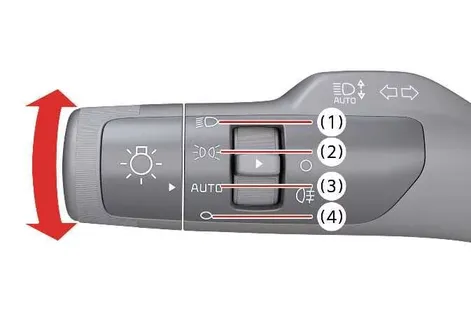
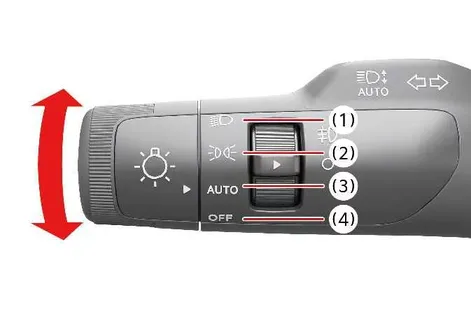
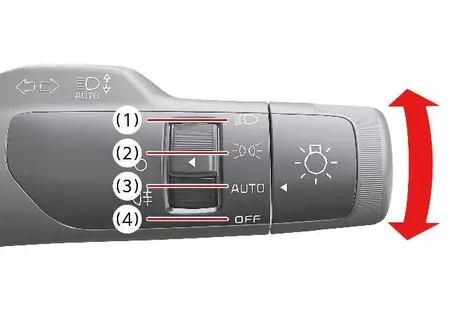
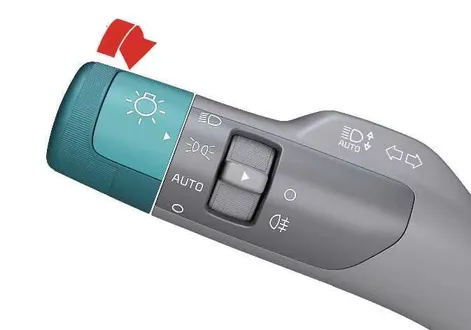
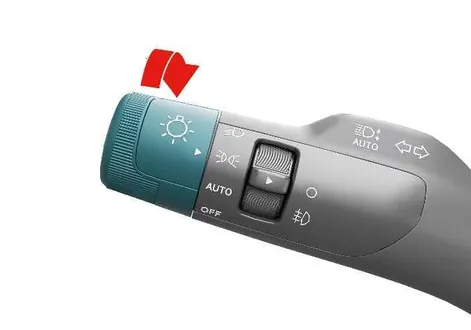
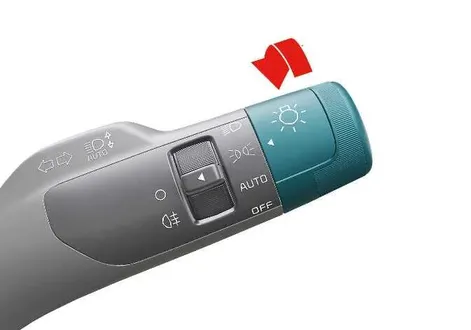
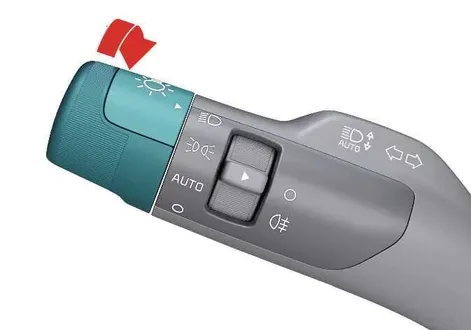
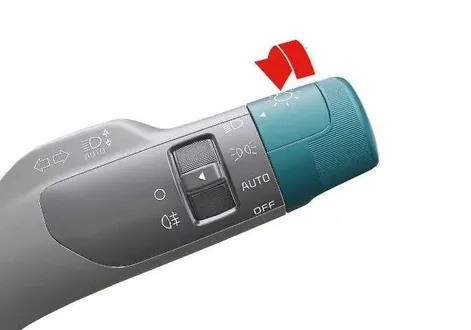
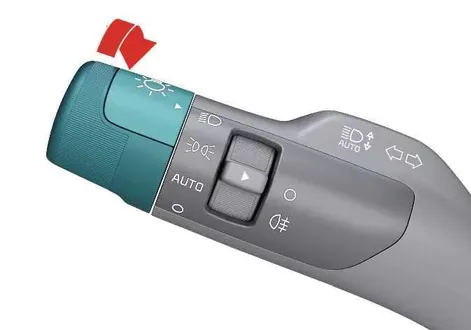
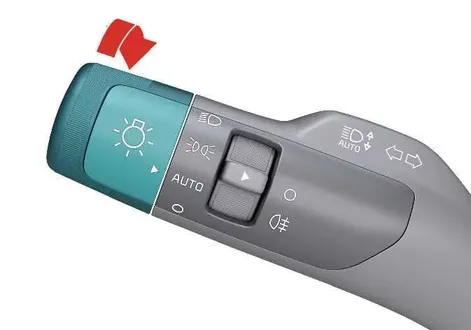
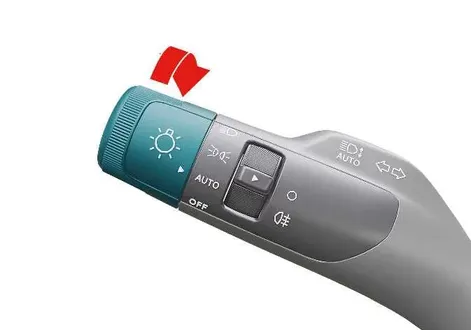
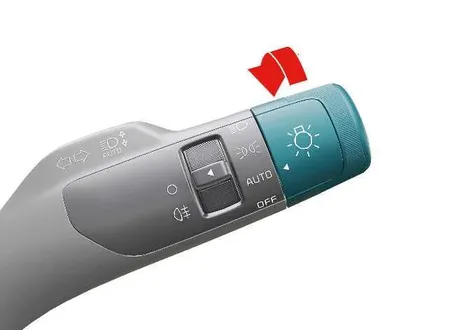
To operate the exterior lights on your Kia EV2, simply turn the ergonomic knob located at the end of the steering column control lever to one of the following intuitive settings:
|
|
|
When the light switch is in the lamp position, the front position lamp, taillight, and the rear license plate lamp will turn on to enhance your vehicle's presence.
Headlight (Low Beam)
|
|
|
When the light switch is in the headlight position, the main headlight (low beam), taillight, and license plate lamp will turn on simultaneously for optimal nighttime illumination.
TIP
The vehicle must be in the POWER ON position to turn on the headlights.
Headlight (High Beam)
|
|
|
|
|
|
-
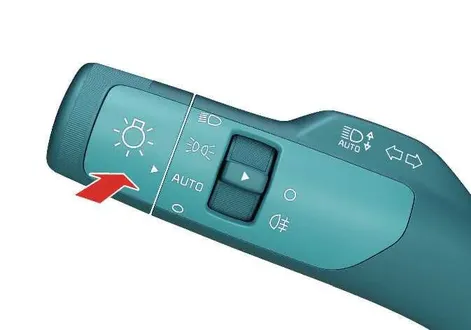
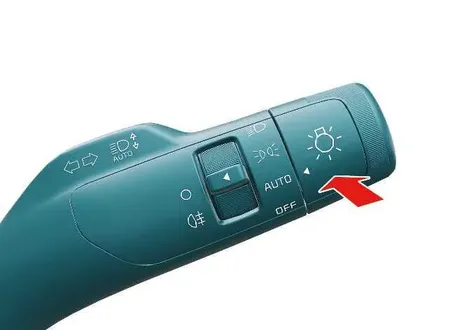
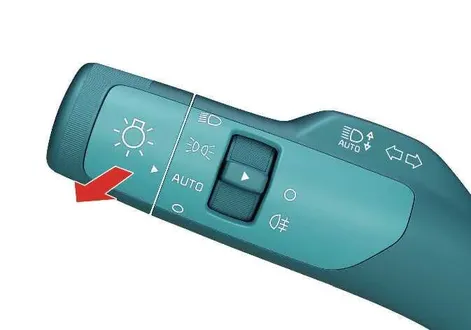
To turn on the high beam headlights, push the control lever firmly away from you.
When the high beam headlights are turned on, the lever will return to its original position, and the high beam indicator on the instrument cluster will illuminate.
-
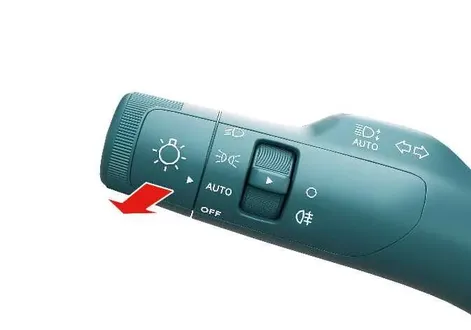
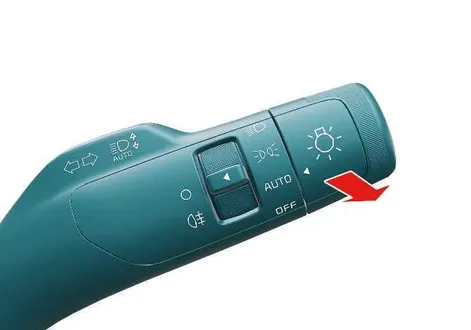
To flash the high beam headlamps, pull the lever toward you.
The lever will return to the normal (low beam) setting when released. The headlight switch does not need to be on to flash the high beam headlights.
WARNING
High beams
Do not use the high beam headlight when there are other vehicles in front of or approaching your vehicle, as the light may obstruct the other driver’s vision.
Auto light
|
|
|
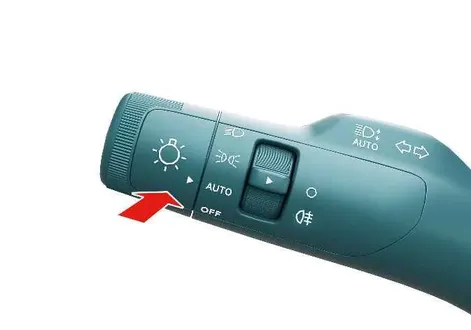
When the light switch is in the AUTO light position, the taillights and headlights will turn on or off automatically depending on the amount of ambient light.
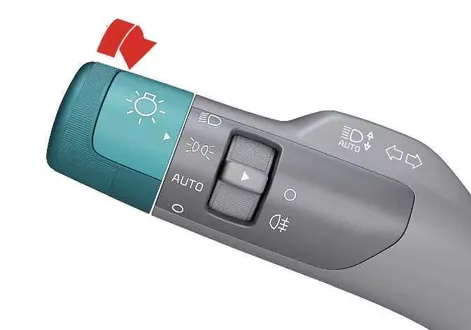
Light switch settings| Setting | Result |
|---|---|
 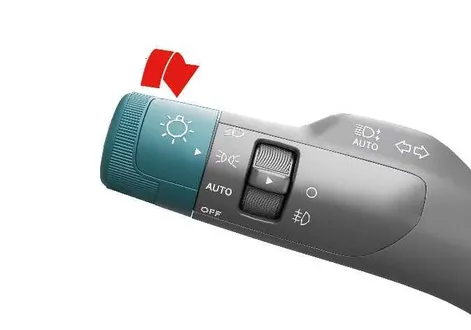
 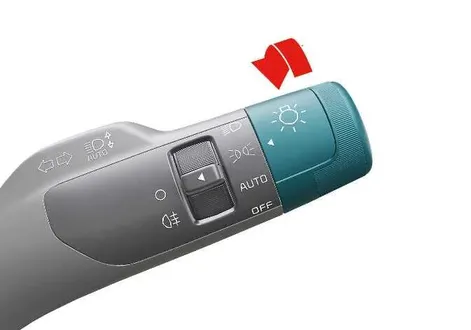
|
Front position lamp, taillights, and license plate lamp are on. TIP The vehicle must be in the POWER ON position to turn on the headlights. |
 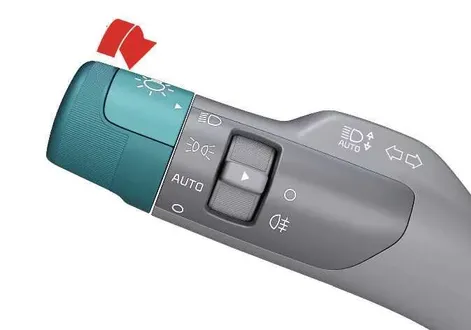
 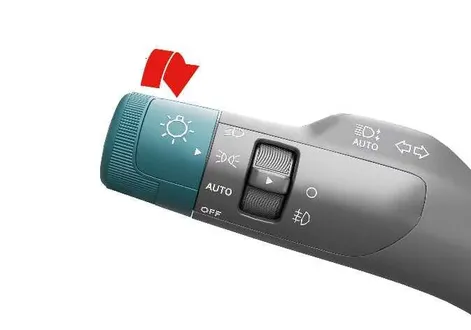
 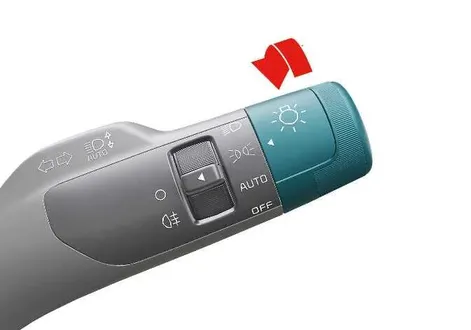
|
Low beam headlight, taillight, and license plate lamp are on. |
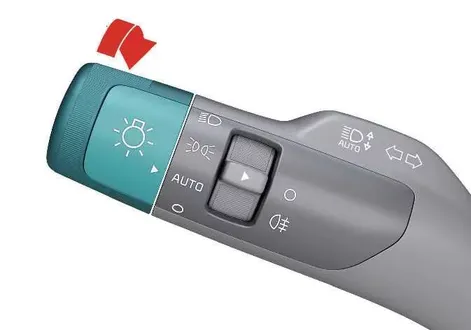
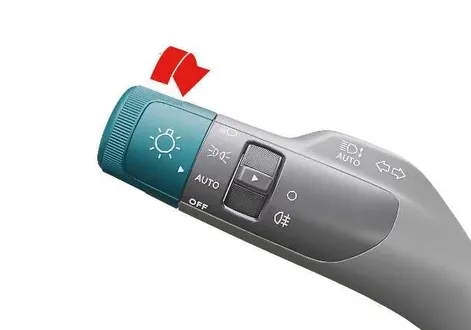
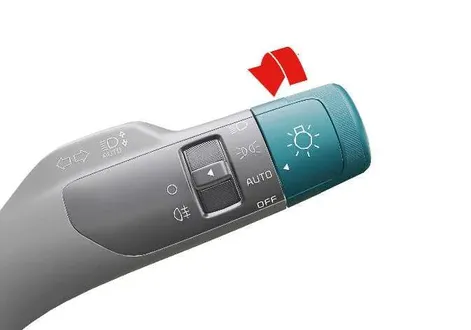
|
Taillights and headlights turn on or off automatically depending on the amount of ambient light. |
NOTE
-
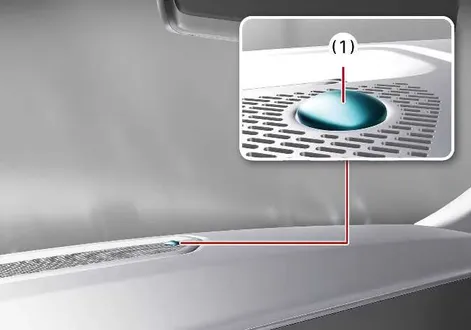
For optimal AUTO light setting performance, never place anything over the sensor (1) located on the instrument panel.
-
Do not clean the sensor with a window cleaner, as it may leave a thin film that could interfere with sensor operation.
-
If your vehicle has a window tint or other metallic coating on the front windscreen, the AUTO light system may not work properly.
Turn and lane change signal operation
|
|
|
The vehicle must be in the POWER ON position for the turn signals to function.
- To engage the turn signal, move the lever up or down (1).
The green arrow indicators on the instrument panel indicate which turn signal is operating.
The turn signal will cancel itself after you complete a turn. If the indicator continues to flash after a turn, manually return the lever to the OFF position.
- To signal a lane change, move the turn signal lever slightly and hold it in position (2).
The lever will return to the OFF position when released.
If an indicator stays on and does not flash, or if it flashes abnormally, one of the turn signal bulbs may be burned out and need to be replaced.
One-touch lane change function
To use the one-touch lane change function on your Kia EV2, move the turn signal lever slightly, then release it. The lane change signals will blink 3, 5, or 7 times.
Select Settings > Vehicle > Lights > One Touch Turn Signal from the infotainment system to activate or deactivate the one-touch lane change function or choose the length of blinking (3, 5, or 7 times).
NOTE
If an indicator flash is abnormally quick or slow, a bulb may have a poor electrical connection in the circuit, or it may be burned out and need to be replaced.
Rear fog light operation
Rear fog lights are designed to improve visibility in heavy fog, rain, or snow.
|
|
|
|
|
- To turn on the fog lights, turn the fog light switch (1) to the ON position after turning the headlights on.
- To turn off the fog lights, turn the fog light switch (1) to the ON position again.
NOTE
The fog lights consume large amounts of vehicle electrical power when in operation. Only use the fog lights when visibility is poor.
 Traffic change (For Europe)
The luminous intensity distribution emitted from standard low-beam headlights is asymmetrical by design. If you travel to a region or country with opposite traffic flow direction, this asymmetrical pattern can dazzle drivers of oncoming vehicles...
 High Beam Assist (HBA)
Figure 1. Type A
Figure 2...
Other information:
Kia EV2 (QV1, 2026-2026) Owner's Manual: Washing
To help protect your Kia EV2 finish from environmental rust, oxidation, and long-term deterioration, wash the vehicle thoroughly using lukewarm or cold water at least once a month. If you frequently drive your Kia EV2 in rugged environments or off-road conditions, wash it immediately after each trip...
Kia EV2 (QV1, 2026-2026) Owner's Manual: Light bulb position (Front)
..
Categories
- Manuals Home
- 4th Generation Silverado Owners Manual
- 4th Generation Silverado Service Manual
- Instrument Panel Overview
- Power Seat Adjustment
- Head-Up Display (HUD)
- New on site
- Most important about car
Rear Camera Mirror
If equipped, this automatic dimming mirror provides a wide angle camera view of the area behind the vehicle.